
EyesOnIt helps operations teams and system integrators turn supported visual conditions into useful next steps. Monitor an existing camera or VMS stream for a defined condition, then route a reviewed event to an alert, REST webhook, or downstream workflow.
Start with one high-value process, such as a queue threshold, an occupancy condition, inventory that needs attention, or activity in a defined zone, and validate it in your environment before expanding.
Designed for existing RTSP camera and VMS environments · REST webhooks and integration options · On-site processing on supported NVIDIA GPU infrastructure
Turn hours of video review into minutes. Find the exact segment using natural language text descriptions, face recognition or an existing image to pinpoint people and events across archived video from all cameras.
Eliminate false alarms by validating motion with natural language, face recognition, image similarity and object tracking. Fewer false alarms reduce monitoring workload and prevent alarm fatigue while maintaining strong coverage.
Identify threats, theft, and safety incidents in real time so your team can respond immediately. Faster response improves apprehension rates, deters repeat offenders, reduces shrink, and minimizes liability.
EyesOnIt runs on your existing infrastructure and integrates with your VMS. Avoid hardware vendor lock-in, cloud processing fees, and costly “smart camera” refresh cycles by centralizing analytics on off-the-shelf servers.
Seamlessly deploy EyesOnIt within your existing Genetec environment and configure advanced video intelligence directly without replacing your VMS or disrupting established workflows.
Your cameras already capture visual signals that can support operations. EyesOnIt helps your team define which signals matter, review how they perform in the real scene, and connect suitable detections or counts to a consistent response.
Detect snow, rain, fog, or ice to trigger cleaning crews, deploy maintenance teams, or adjust operations.
Detect when a restaurant party finishes eating or when a large group exceeds a room occupancy limit.
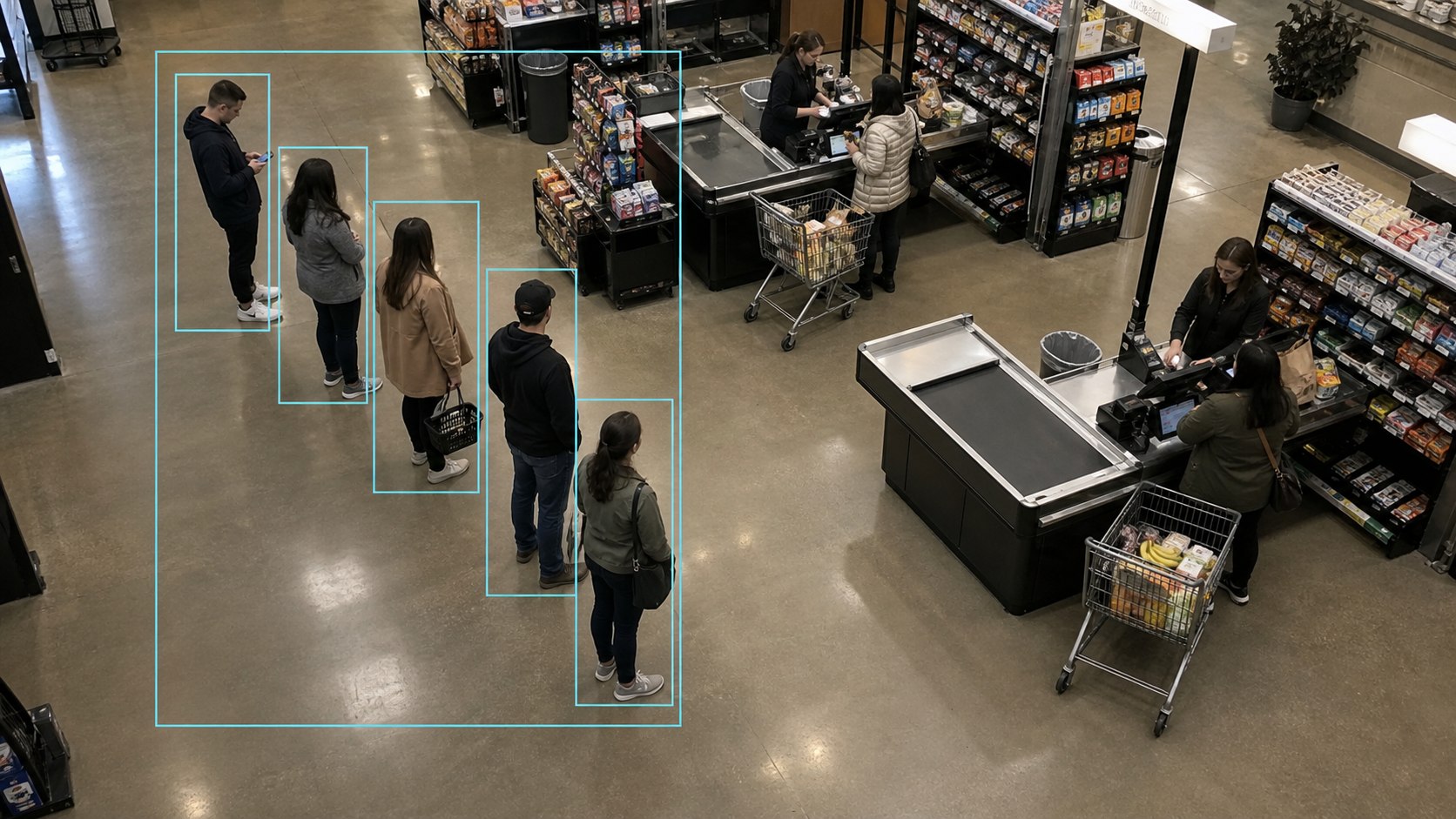
Automatically adjust staffing, open new lanes, or trigger alerts when thresholds are exceeded.
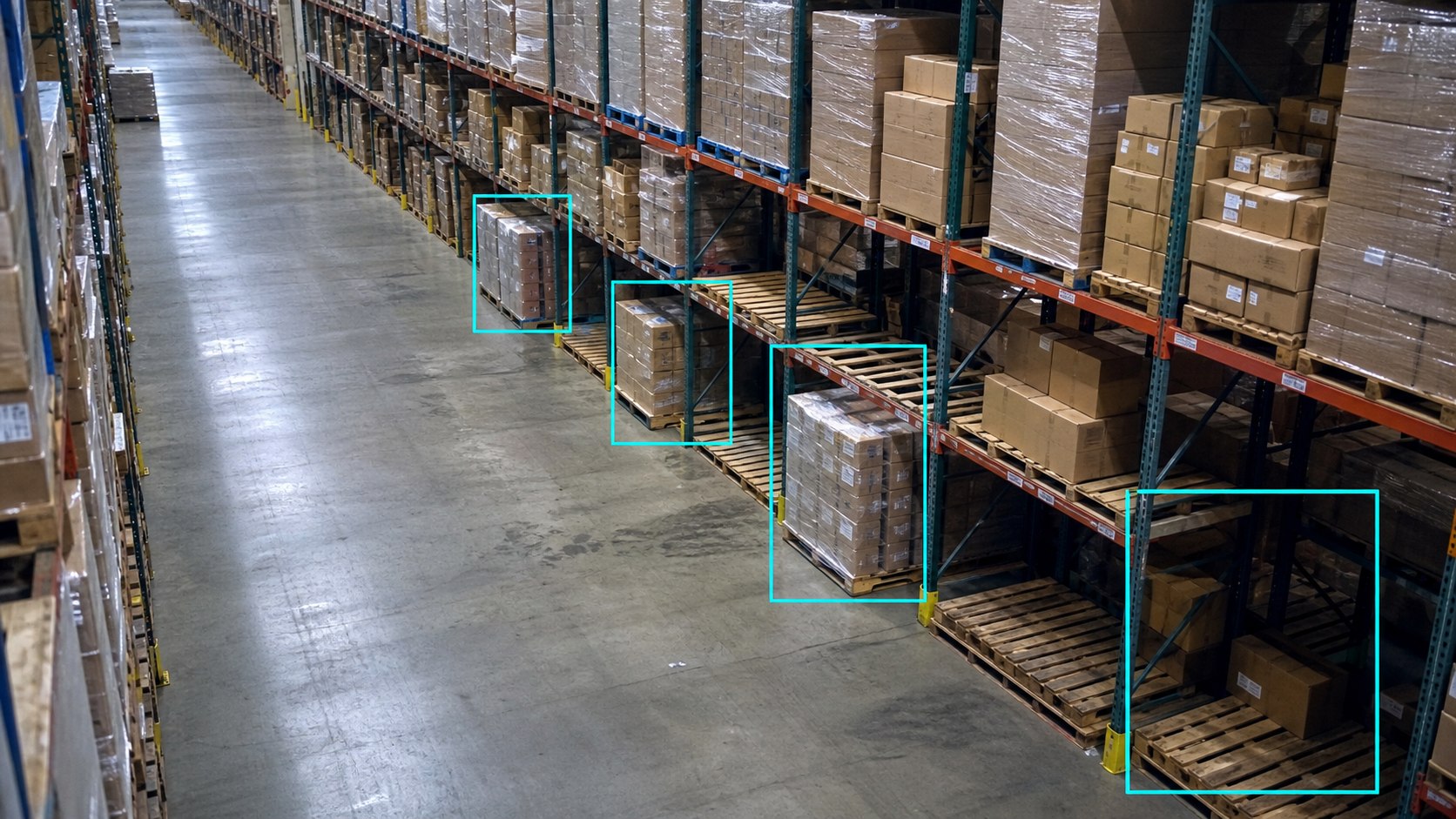
Track inventory levels visually, detect empty shelves or misplaced stock, and trigger restocking processes.
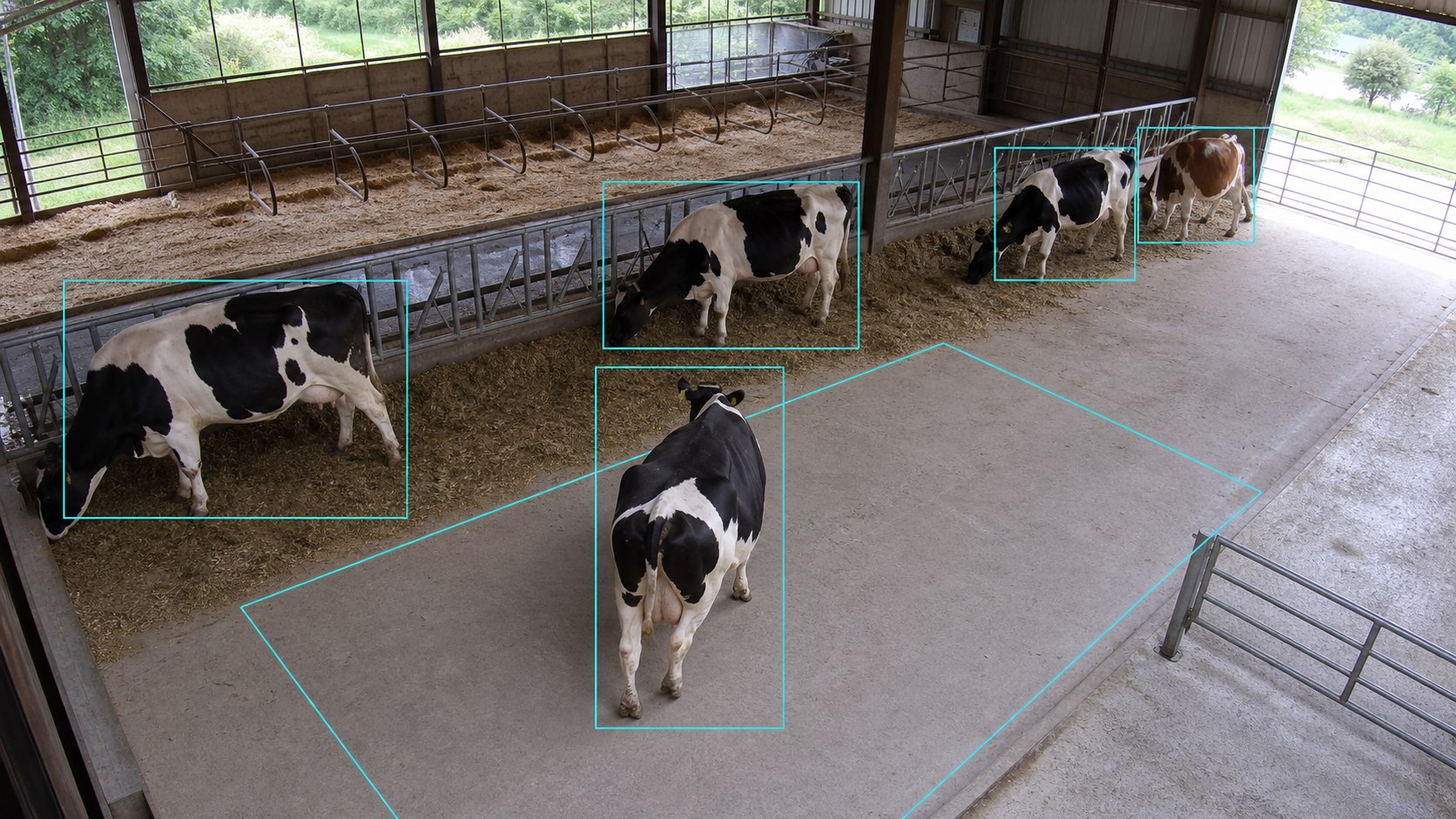
Monitor and respond to animal activity in agricultural, park, or facility environments, from livestock monitoring to wildlife detection.
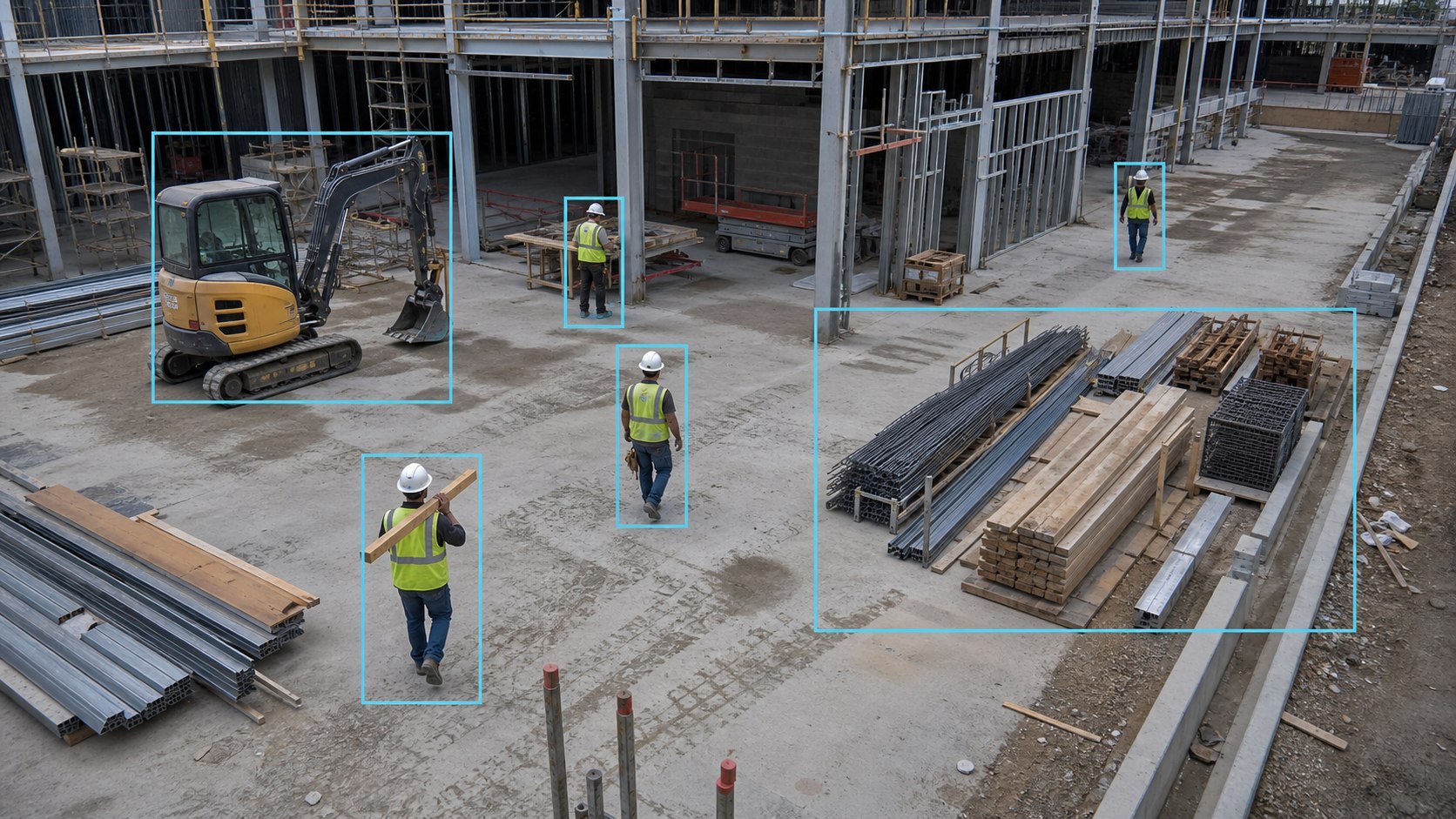
Track progress, detect unauthorized activity, or monitor safety compliance on construction sites.
EyesOnIt is simple to set up and incredibly powerful to use:
 Connect your video stream: Enter your RTSP URL, name the stream, and define the area to monitor.
 Describe what to detect: Use plain English to describe the events or conditions you care about.
 Get real-time alerts: Receive immediate notifications and confidence graphs as EyesOnIt monitors and detects events.
 Conduct forensic search across all cameras: Search through historical and live videos like you would a document with our AI natural language video stream monitoring and alerting.
 Review insights & analytics: Gain actionable insights from detailed reports and analytics dashboards. Track detection events, analyze patterns over time, and measure the performance and accuracy of your monitoring system to continually improve your security strategy.
EyesOnIt can trigger lights, alarms, intercoms, door locks, access-control systems, and downstream automation through REST APIs, with additional custom integrations supported through the EyesOnIt plugin model. Exact behavior, payloads, authentication, and target-system requirements are scoped during integration review.
Connected deployments can also support configured SMS and Telegram notifications. Air-gapped deployments use local Genetec or REST notifications.
EyesOnIt is trusted by VMS providers, system integrators, and forward-thinking businesses to deliver automation-ready monitoring that adds measurable value to their systems.
Tell us what your camera should recognize and what should happen next. We will help assess the camera and VMS fit, map the condition to supported EyesOnIt capabilities, and outline a focused way to validate the workflow.
Work with our team to build a tailored solution for your specific process automation needs. Validate its performance on your own infrastructure.
Let’s talk about how EyesOnIt can transform your surveillance systems and deliver the results your customers demand.
| Feature | Description |
|---|---|
|
Multi-Layer Verified Detection |
Validates motion events with natural-language descriptions, face recognition, and image similarity, so alerts are accurate and actionable. Fewer false alarms, fewer missed incidents, and less operator fatigue. |
|
Natural-Language Object & Behavior Detection |
Describe what matters in plain English (e.g., “loitering near door” or “vehicle enters between 6pm and 6am”) and refine anytime without retraining models. Get custom detections without custom model costs. |
|
Face Recognition with Watchlists |
Import galleries, organize watchlists, and receive instant alerts when matches are detected. Strengthen security response and enable verified access workflows without increased staffing overhead. |
|
AI Video Search (Live & Archived) |
Instantly search live and recorded video feeds using text descriptions, face recognition or image uploads. Find people, objects, and events in seconds, turning hours of manual review into minutes. |
|
Automated Event Workflows |
Trigger lights, alarms, intercoms, notifications, or downstream systems when a verified visual event occurs. Improve response speed, consistency, and operational efficiency. |
|
Reporting & Analytics |
Generate searchable timelines, export event clips, and track detection trends across cameras and locations. Gain measurable insight while simplifying investigations and internal reporting. |
|
On-Site Processing |
Keep video and identity data on your network, eliminating cloud latency and per-event processing fees while maintaining real-time performance and stronger data control. |
|
Open, Hardware-Agnostic Architecture |
Works with existing cameras, RTSP streams, and your current VMS. Runs on standard servers with no proprietary lock-in, so you can scale affordably without rip-and-replace upgrades. |
It uses configured camera-based detections, counts, lines, regions, or alerts to recognize a supported visual condition and route a useful next step. With EyesOnIt, that next step can include a notification, review item, Genetec event, REST webhook, or scoped downstream integration.
EyesOnIt is designed for existing RTSP camera and VMS environments, including a native Genetec integration. Compatibility depends on the camera, codec, VMS, network, scene, and deployment design, so the team confirms fit before rollout.
Not for supported natural-language workflows. Teams can describe supported people, vehicle, object, and scene conditions in English and combine them with configuration such as regions, lines, counts, and thresholds. The workflow still needs suitable video, configuration, tuning, and deployment-specific validation.
Supported paths include Genetec events, REST webhooks, SMS, Telegram, and custom plugin-model integrations. EyesOnIt can also support scoped automation involving lights, alarms, intercoms, door locks, access-control systems, or other downstream systems. Air-gapped deployments use Genetec or REST notifications.
Start with one camera, one measurable condition, and one defined response. Validate the results over an agreed pilot period, refine the configuration, and expand once the workflow meets the customer’s objectives.
Share your specific use case for details on how our AI video analytics technology can help. Fill out the form below and a member of our team will be in touch.

© 2026 All Rights Reserved.